Choose a campaign puzzle
Open Lost Idols, choose GAME and press Enter to start. The browser edition includes the 100 original campaign maps and two publisher bonus puzzles. Campaign selection follows your locally unlocked progress.
Use the arrows or WASD to move. Enter starts or continues, Esc pauses and R restarts. The touch layout has movement buttons and a PLAY action.
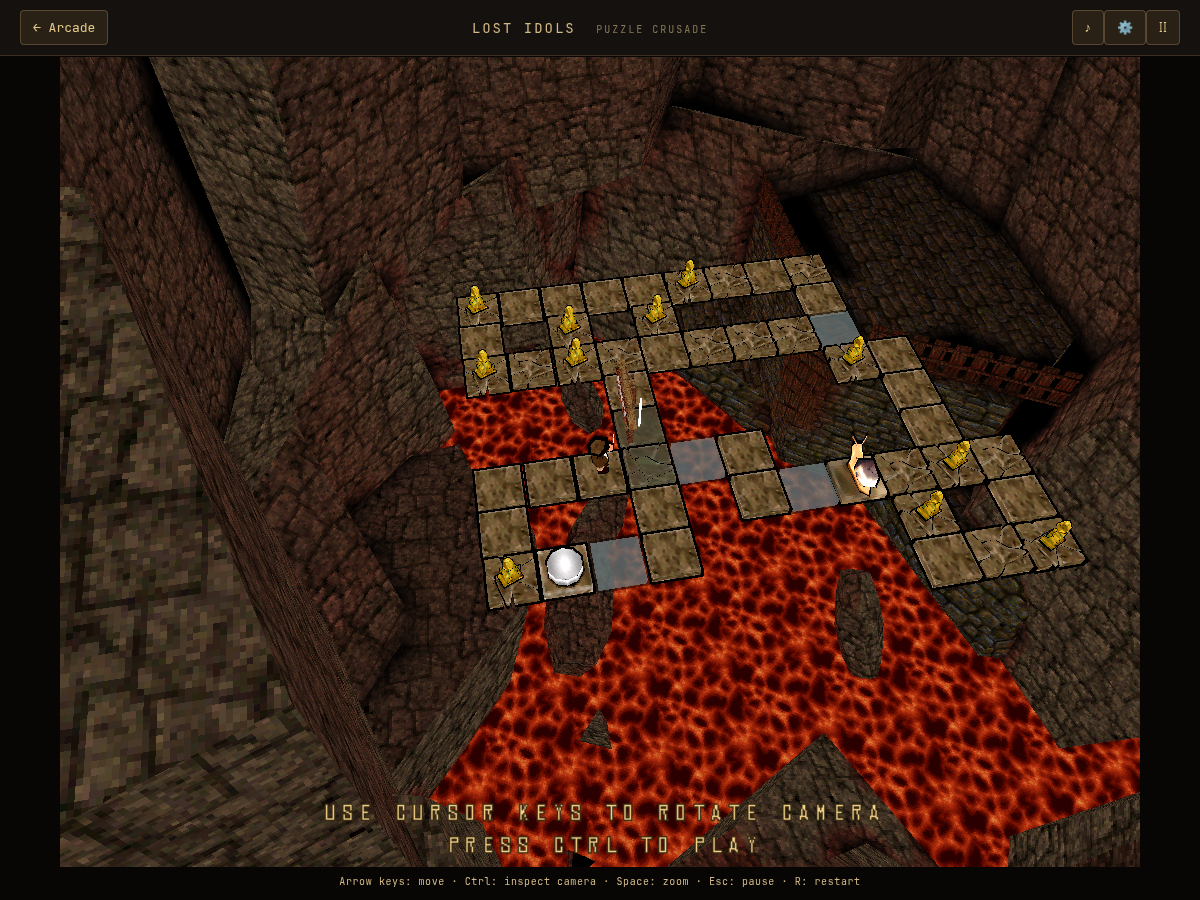
Inspect the room before your first step
Ctrl switches to camera inspection, and Space zooms. C selects the fixed camera. Touch players use CAMERA and ZOOM.
Check where the idols and exit are, which paths connect them, and whether an elevator or a colored switch changes the route. A new camera angle can reveal a path that was hidden by the scenery.
- Locate the exit and each idol before moving.
- Identify fragile tiles, ice, switches and any route between floors.
- Choose an order for collecting idols that keeps the exit reachable.
- Leave camera inspection and begin the route.
Plan around fragile floors and ice
Some floor types can only be crossed once; others break after a delay. If you use a narrow connection too early, you can strand yourself on the wrong side of the room.
Ice changes how movement carries you across a path. Think about the tile beyond the ice, not just the next tile. Restart when a room becomes impossible rather than spending time on a route whose connection has already collapsed.
Watch switches and guardians
Colored buttons change the matching guardian state. A button can help open a route, but pressing it again can change that state again. Keep track of which paths depend on a switch.
Elevators connect floors. Use camera inspection to look at both the departure and destination before taking one. These are route-planning tips, not a claim that every puzzle has the same solution order.
Difficulty, progress and custom puzzles
Campaign unlocks and the difficulty choice are saved in this browser. Finishing a campaign puzzle unlocks the next one. Bonus and custom puzzles are separate from normal campaign progression.
The level editor supports both floors, a starting character, idols, an exit and different ground types. It can import and export original binary level files. Keep copies of exported files outside browser storage.
The maps are original, but movement and effects run through a browser implementation. Exact Windows parity has not been certified.
Testing evidence and sources
Retained checks cover recovered map records, rendered campaign scenes, first-puzzle progression, camera controls, editor import/export, audio and touch layouts in Chromium.
Rendering all maps is not normal-input completion of all puzzles. Exact Windows movement, collision, effects and audio parity remain unverified.
Recorded test scope and limitations ↗
Sources and what they support
- Suricate Software developer interview
Original developer and engine background. Map counts and browser behavior come from our recovery and validation records.
This page was reviewed against retained validation records. Review dates do not mean every game test was rerun that day. Screenshots show individual recorded scenes; they do not establish full campaign, device or native-game parity.
Take it into the game