How to play Bud Redhead: The Time Chase
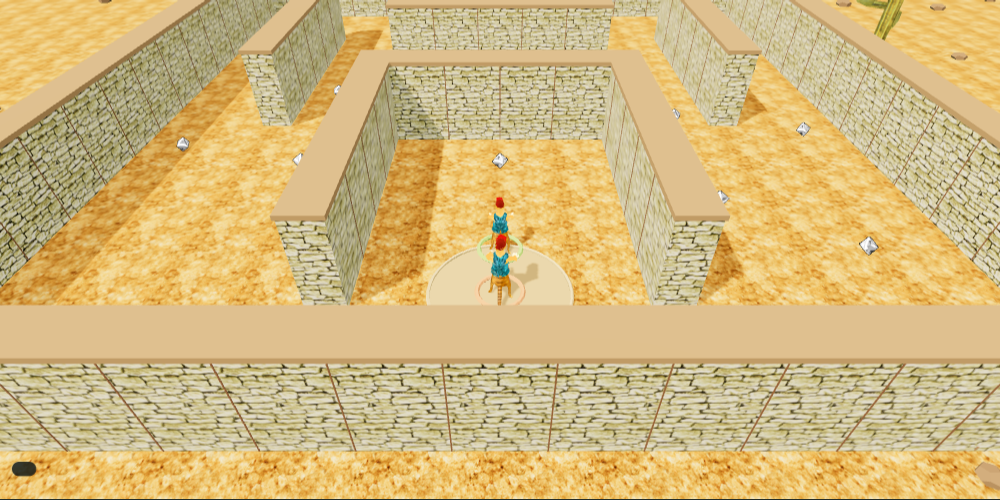
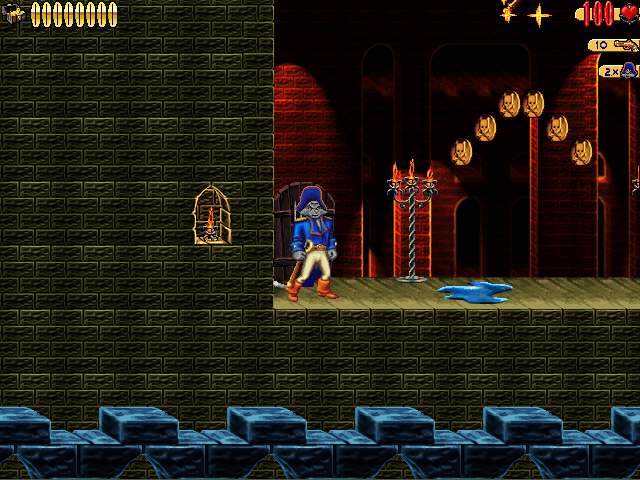
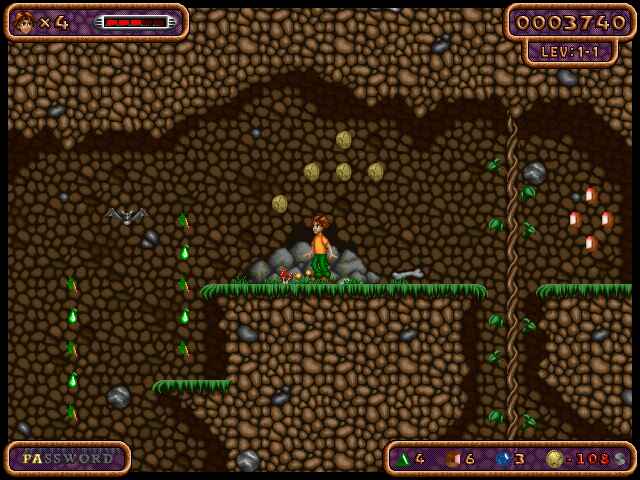
Space Ewe Software’s 2003 platformer follows Bud through forests, ancient Egypt, medieval castles and a futuristic spaceship. The browser recreation currently focuses on the forest adventure.
No game-file import is needed. Use a keyboard or the on-screen touch controls.
Controls
| Input | Action |
|---|---|
| Left / right or A / D | Move |
| Ctrl / Space / J | Jump; hold for a higher jump |
| Up / W | Climb or save at a checkpoint |
| Down / S | Crouch or descend |
| Esc / R | Pause / restart |
What’s included
- Three reconstructed forest courses with required coin totals and time portals.
- Original character sprites, scenery, music and sound effects.
- Enemies, ladders, mushroom bounces and moving platforms.
- Checkpoints and locally saved course unlocks.
Saves and progress
Unlocked courses and best times are saved in this browser. Load Game starts the highest unlocked course afresh; checkpoints help after losing a life within the active course.
Browser storage is specific to this device and browser. Clearing site data can remove your local progress.
About this browser edition
This edition uses recovered original artwork and sound with reconstructed course geometry and browser movement. It currently includes three forest courses rather than the complete original campaign.
Testing evidence and sources
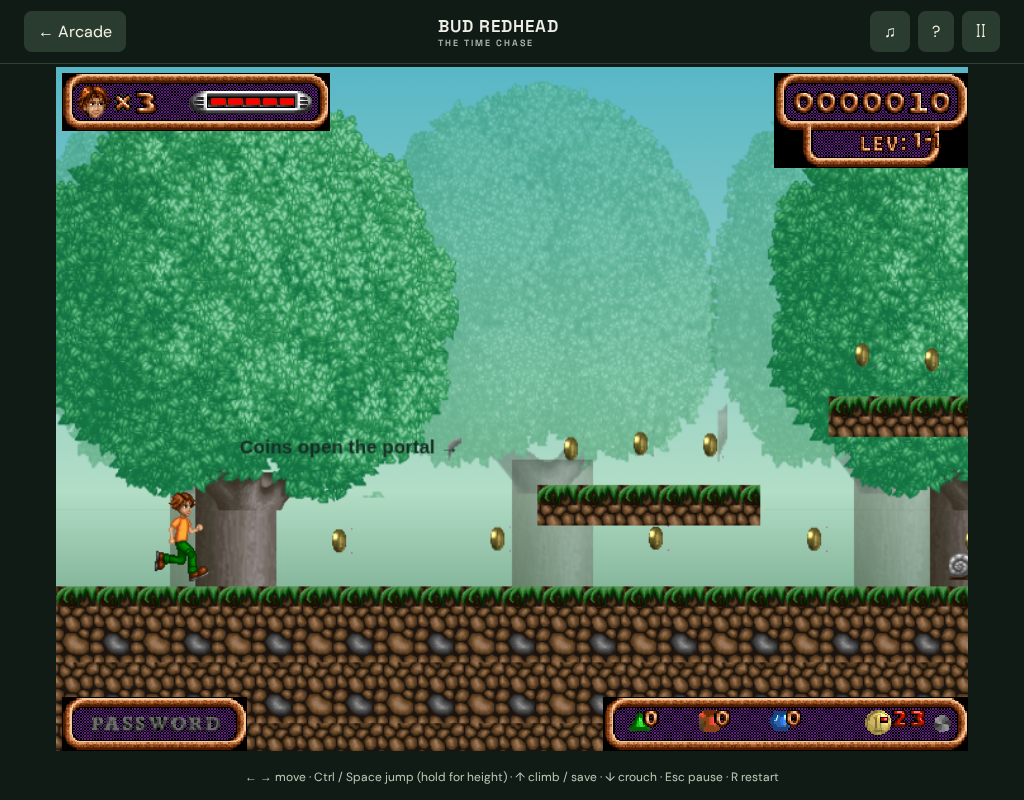
Retained browser checks cover first-course gameplay, keyboard and touch controls, menus, pause, original audio and the progression interface in Chromium.
A complete campaign playthrough and exact Windows-game parity have not been established. Load Game starts the highest unlocked browser course afresh; it does not restore an exact checkpoint.
Recorded test scope and limitations ↗
Sources and what they support
- Space Ewe: original Bud Redhead product description
Original game worlds and edition description. Its purchase checkout and current availability have not been verified.
This page was reviewed against retained validation records. Review dates do not mean every game test was rerun that day. Screenshots show individual recorded scenes; they do not establish full campaign, device or native-game parity.