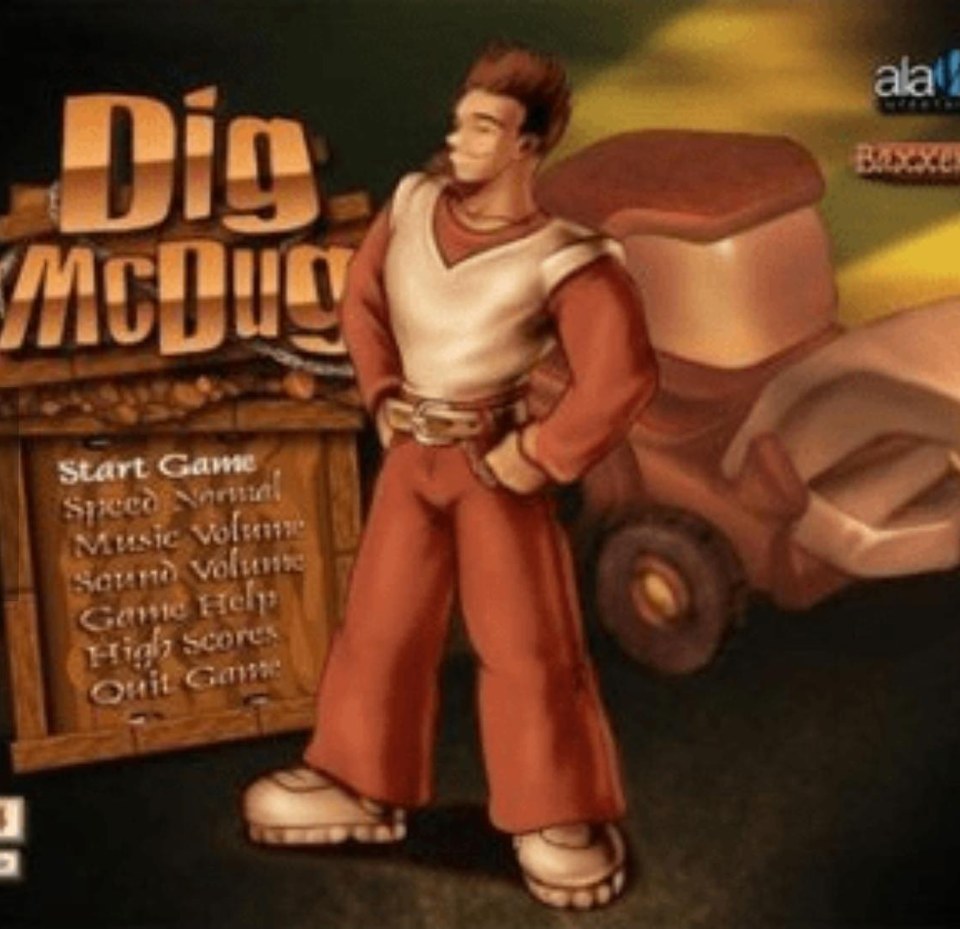
How to play Dig McDug
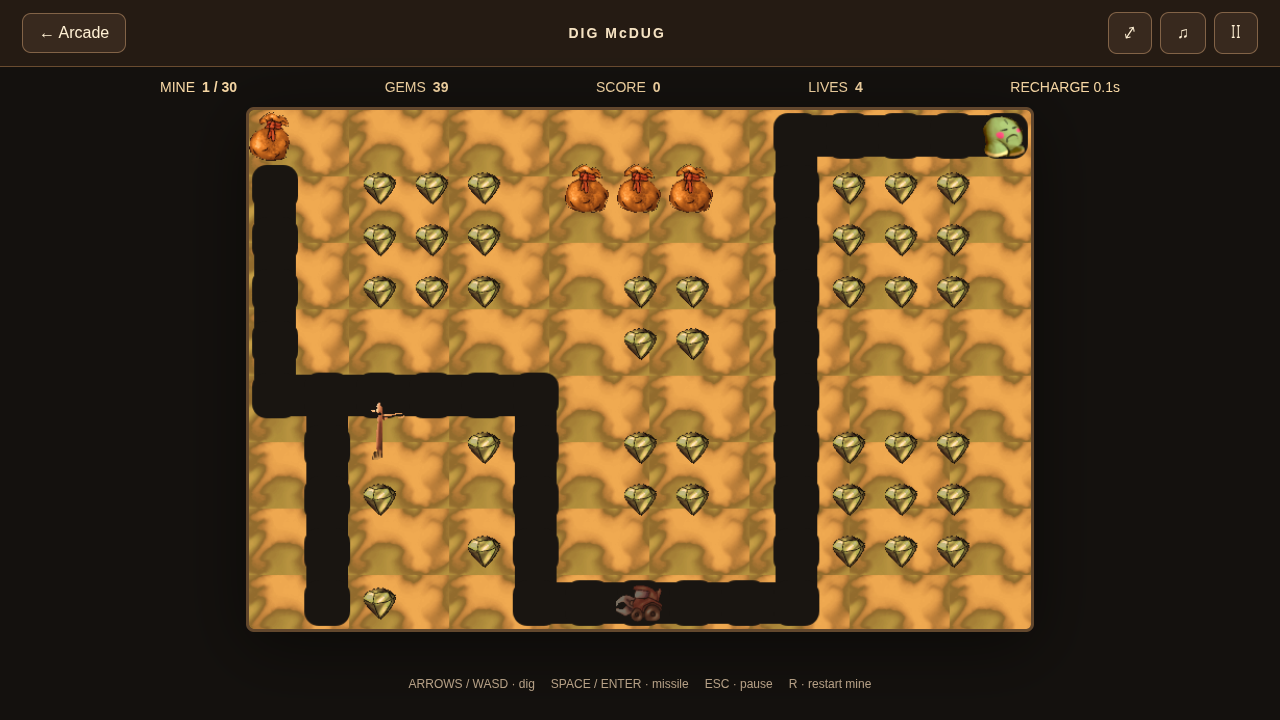
Dig McDug combines tunnel digging, gem collecting and monster encounters. Clear the emeralds or defeat the monsters before taking the cherry. Sacks that fall two cells break into collectible gold.
No game-file import is needed. Keyboard and simultaneous movement/fire touch controls are included.
Controls
| Input | Action |
|---|---|
| Arrows / WASD | Move and dig |
| Space / Enter | Fire |
| Esc | Pause |
| R | Restart |
What’s included
- Thirty recovered original 15 × 10 mine layouts.
- Original digger and enemy sprites, backgrounds, soundtrack and effects.
- Emeralds, monsters, cherry power and falling gold sacks.
- Locally saved mine unlocks and best scores.
Saves and progress
Mine unlocks and best scores are stored in this browser. Use the mine-selection menu to revisit unlocked mines.
Browser storage is specific to this device and browser. Clearing site data can remove your local progress.
About this browser edition
The browser engine uses independently tuned timing, collision and enemy behavior with recovered layouts and resources. Exact Windows parity has not been established.
Testing evidence and sources
Retained checks cover recovered maps, engine movement, first-mine browser play, settings, audio and touch layouts in Chromium. First-mine completion passed in an isolated rerun after full-suite timing failures.
Complete browser-campaign completion, native timing parity and physical-device compatibility remain unverified. An isolated pass does not establish reliable full-suite timing.
Recorded test scope and limitations ↗
Sources and what they support
- Creator’s discussion mentioning Dig McDug
Aleksey Vaneev’s historical co-creation statement, recorded in our research. Not a current rights grant or source-code release.
This page was reviewed against retained validation records. Review dates do not mean every game test was rerun that day. Screenshots show individual recorded scenes; they do not establish full campaign, device or native-game parity.