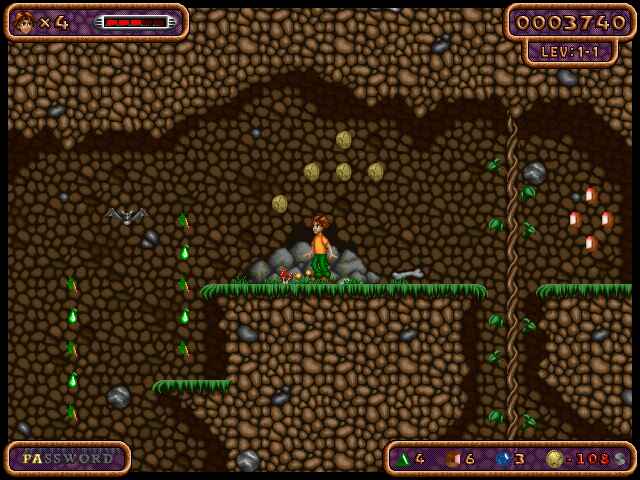
Sammy the Suricate ↗
Eight recreated trails. Hold movement and jump together with on-screen buttons. WebGL is required; no file import is needed.
Play your way / Touch controls
Explore browser games with on-screen controls. Start with an edition that needs no game-file import, or read the setup guide for an original-file player.
Try 10 free minutes shared across games and modes. Plus unlocks continued supported play ↗. Original demo and trial restrictions still apply.
Eight recreated trails. Hold movement and jump together with on-screen buttons. WebGL is required; no file import is needed.
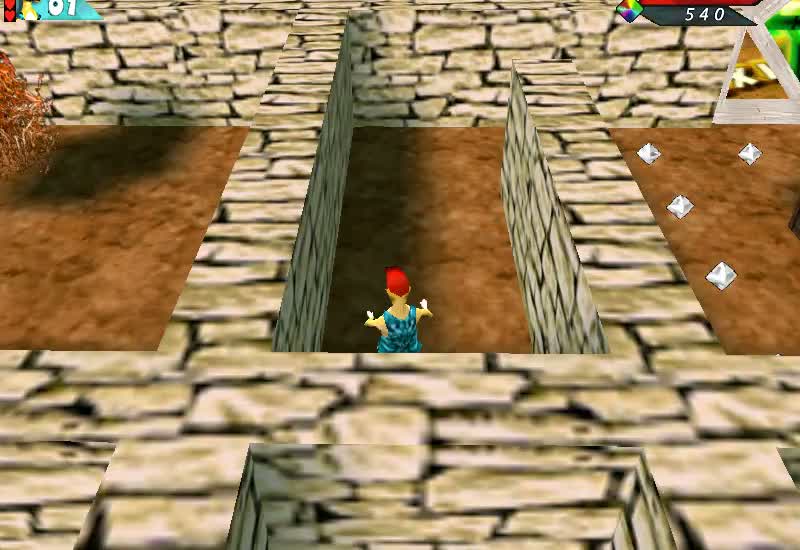
Three recreated forest courses with movement, climbing and jump buttons. No file import is needed.
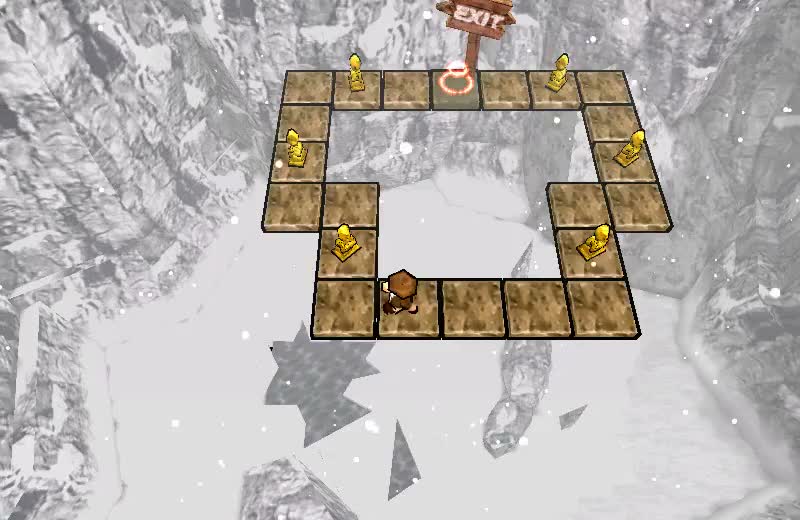
Puzzle routes, camera inspection and zoom controls. WebGL is required; no file import is needed.
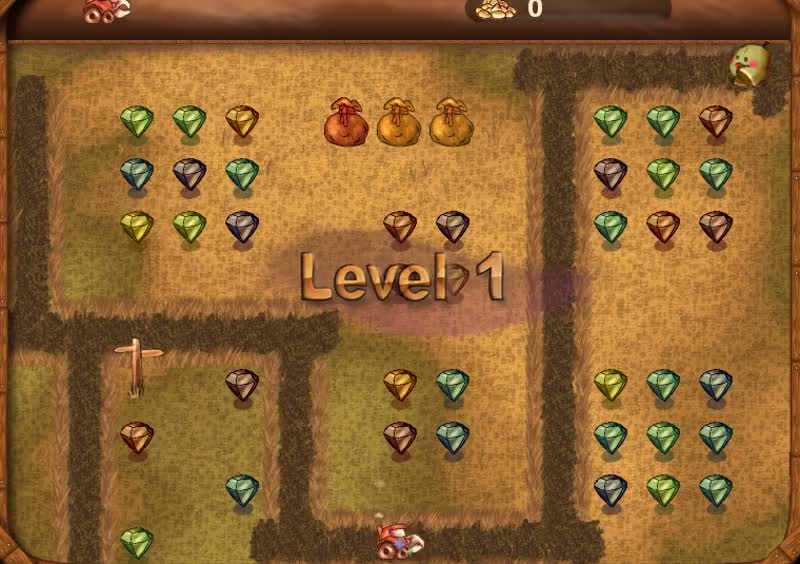
Digging, movement and firing buttons across recovered mine layouts. No file import is needed.
Turn your device sideways if the game screen or controls feel cramped. Use fullscreen when available. Hold a movement button while pressing an action button; keyboard instructions may also appear on the game page.
Touch controls and responsive layouts have been checked in desktop browsers and emulated phone layouts. Physical phones and actual Safari have not been validated. Performance depends on your browser, graphics support and available memory.
Captain Claw ↗ has held movement and action buttons but requires your demo files and shared WebAssembly memory. Bookworm Adventures ↗ uses tappable letter tiles and a zoom control, but requires your game folder and runtime ZIP. Imports and runtime memory can be demanding on a phone.
Feudalism II mobile controls are not verified, so it is not included in this touch-controls collection. See the recorded test coverage ↗, or get help with loading and controls ↗.